الوصف
SPECIFICATIONS
Brand Name: NONE
Choice: yes
Funtion: None
High-concerned chemical: None
Interface Type: USB Type-C
Origin: Mainland China
Ports: 3,3
Standard: USB 3.1
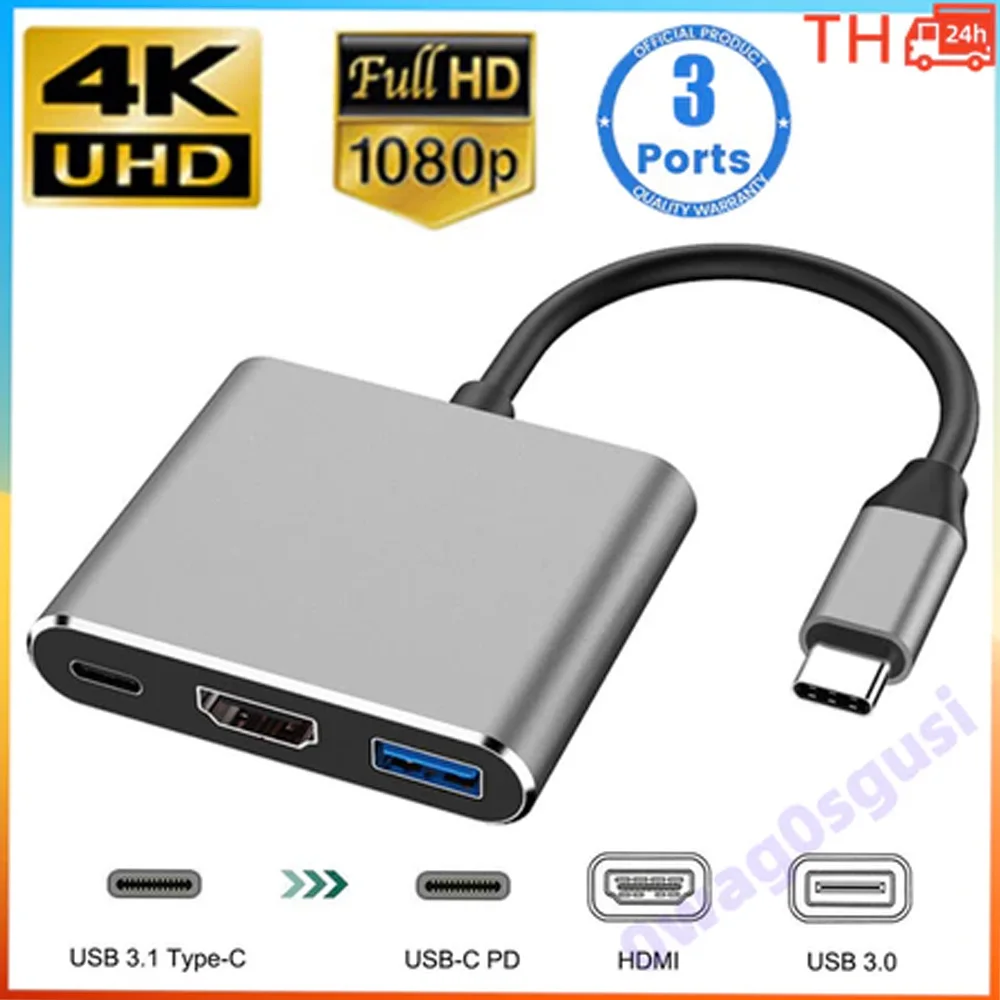
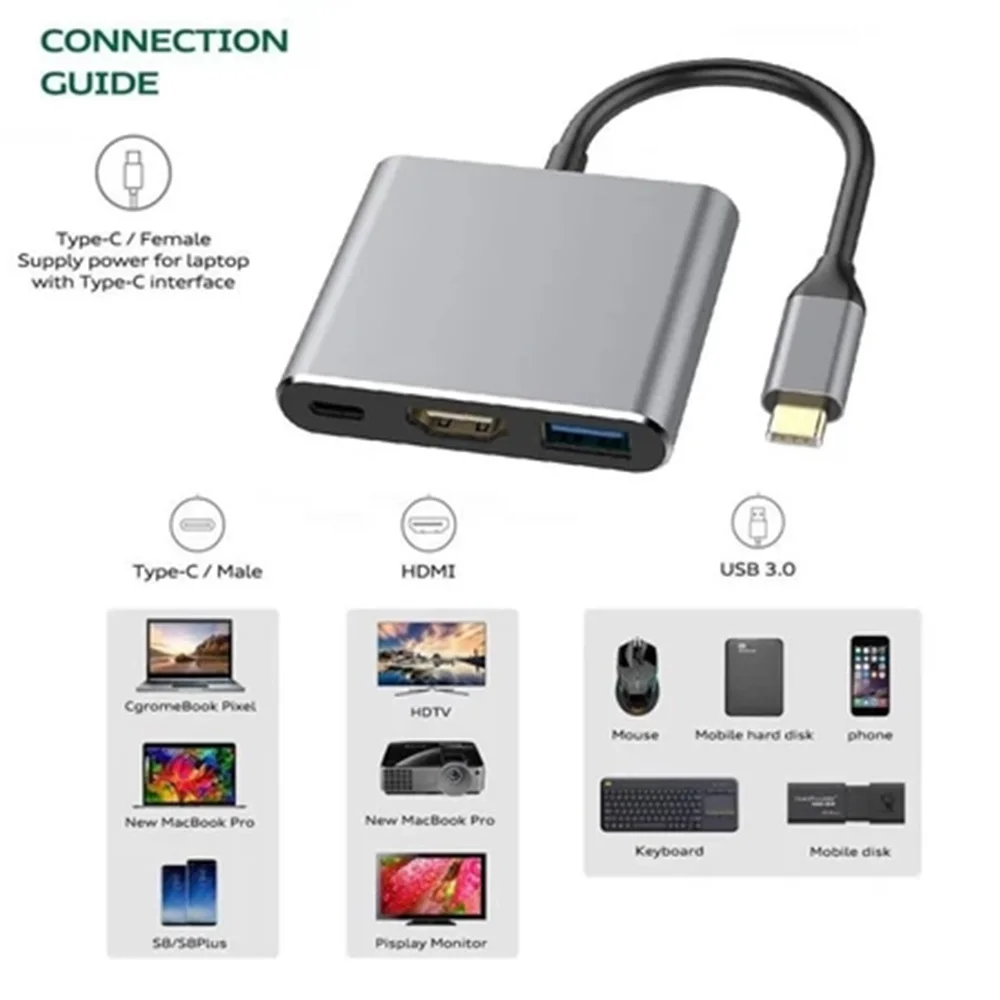
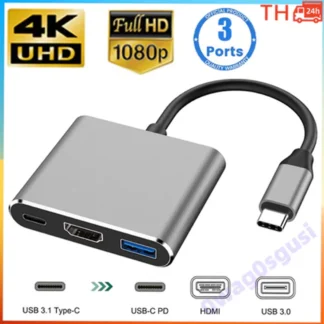
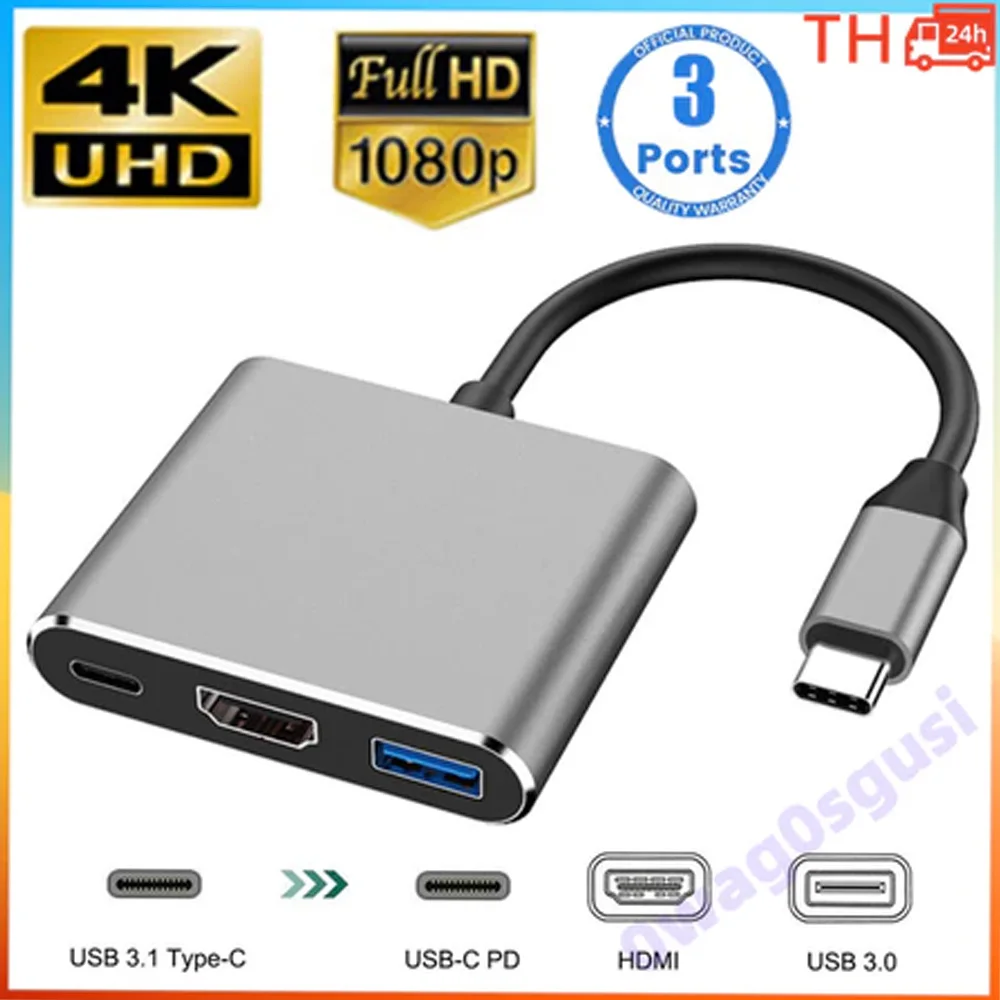
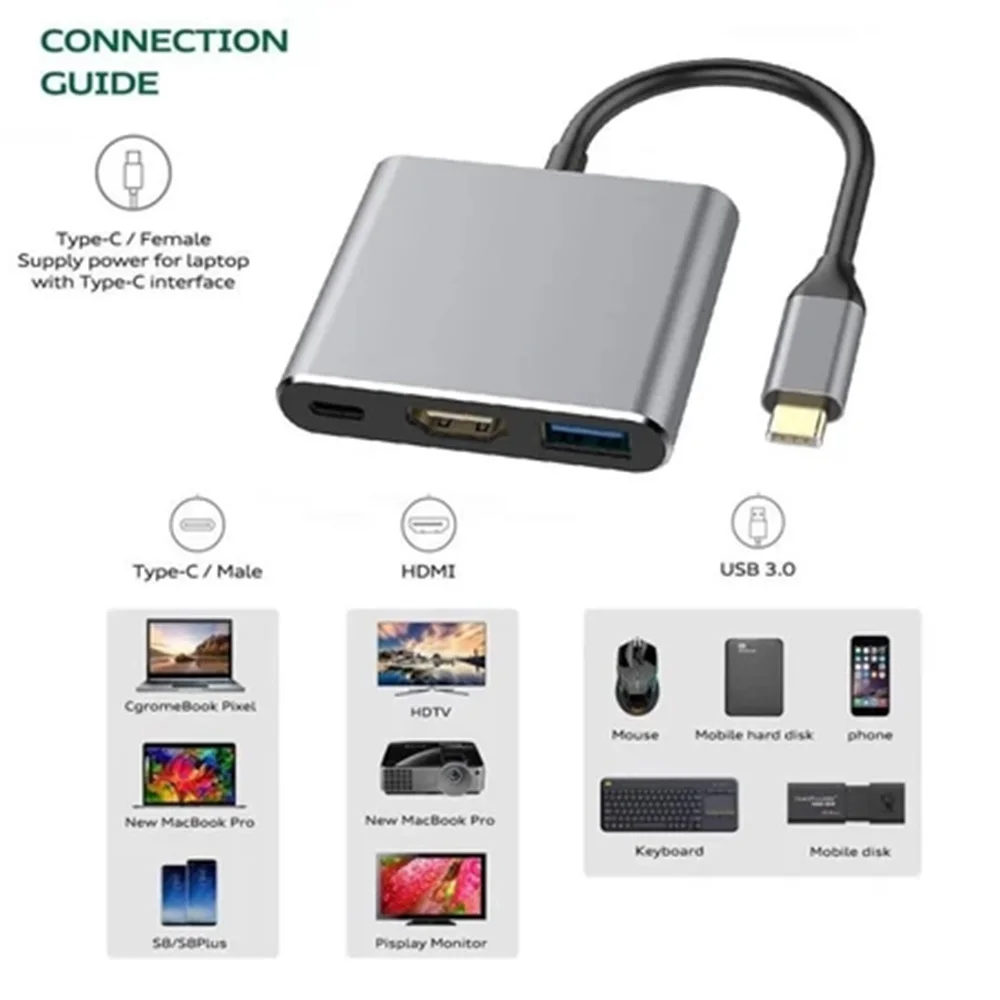
● 3-in-1 USB Type C Hub Adapter – This hub combines USB 3.0 ports, HDMI ports, and Type-C ports into one port. You can easily share your movies with family or friends on a large TV/monitor/projector through the HDMI port of your Type C computer and other devices.
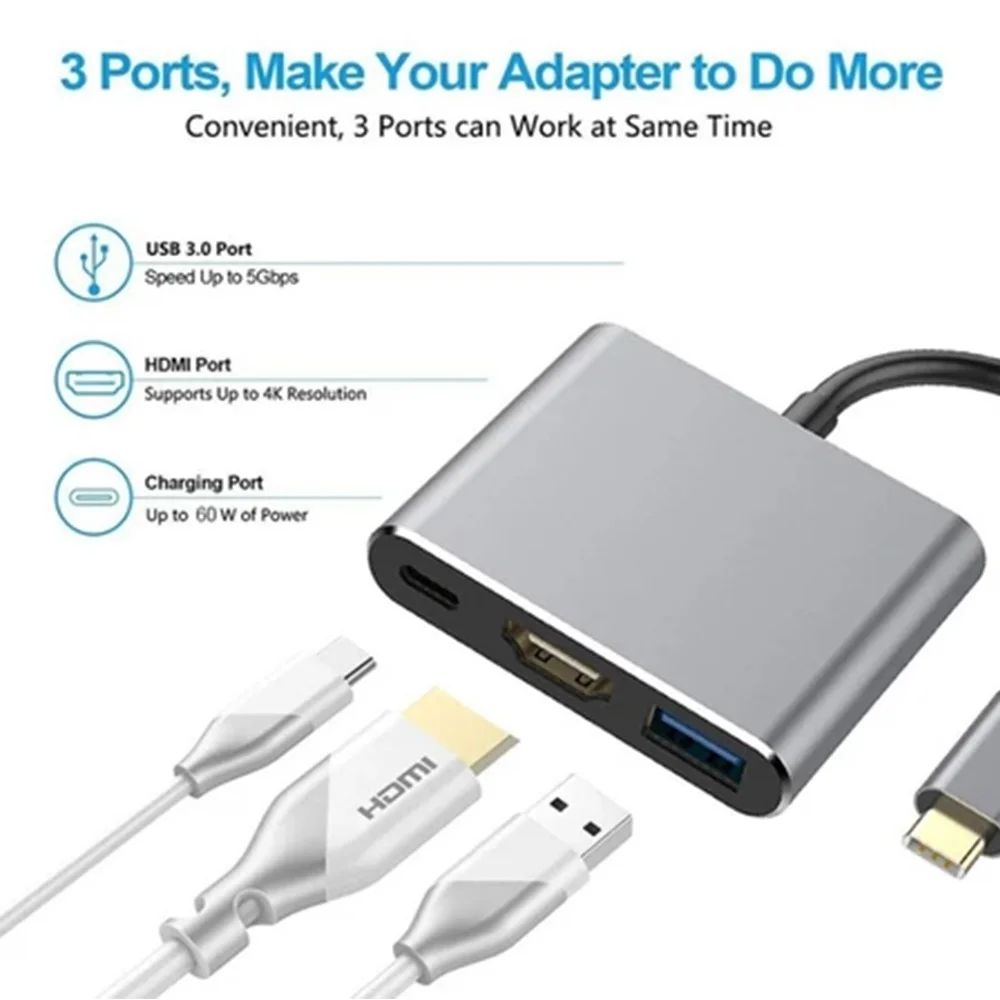
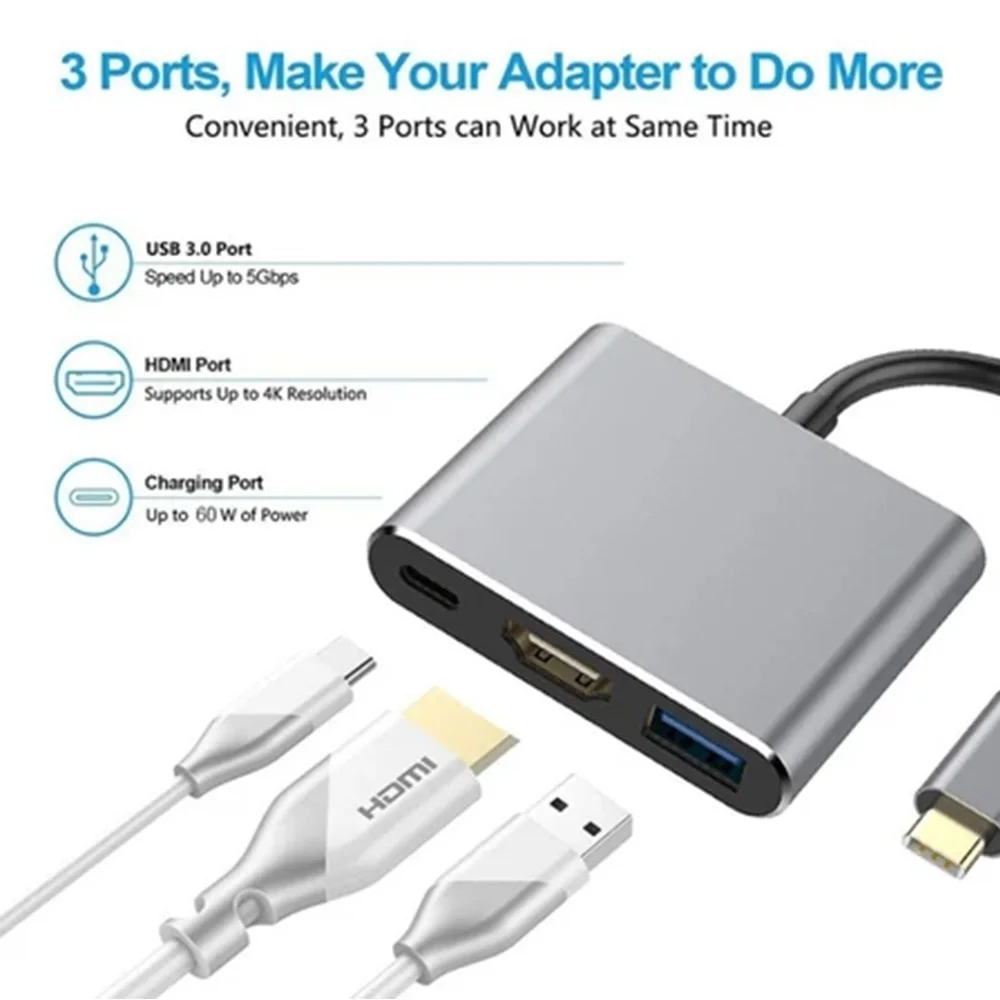
● USB type- C to HDMI adapter USB Type-C to HDMI can mirror your MacBook screen to an HDMI compatible TV or monitor, with resolutions up to 1080p 60Hz or 4K (3840×2160) 30Hz, supporting 1080p, 720p, 480p and other plug and play functions without the need for additional drivers or external power sources.
● The USB C 3.1 Type-C F port allows you to charge 12 inch Macbook, Google's new Chromebook Pixel, and other devices. The Type-C F charging port does not support data transfer.
● USB 3.0 type port. High speed – up to 5Gbps high-speed data transfer allows you to connect existing USB devices such as keyboards, mice, HDDs, flash drives to sync and charge your iPhone or other devices.
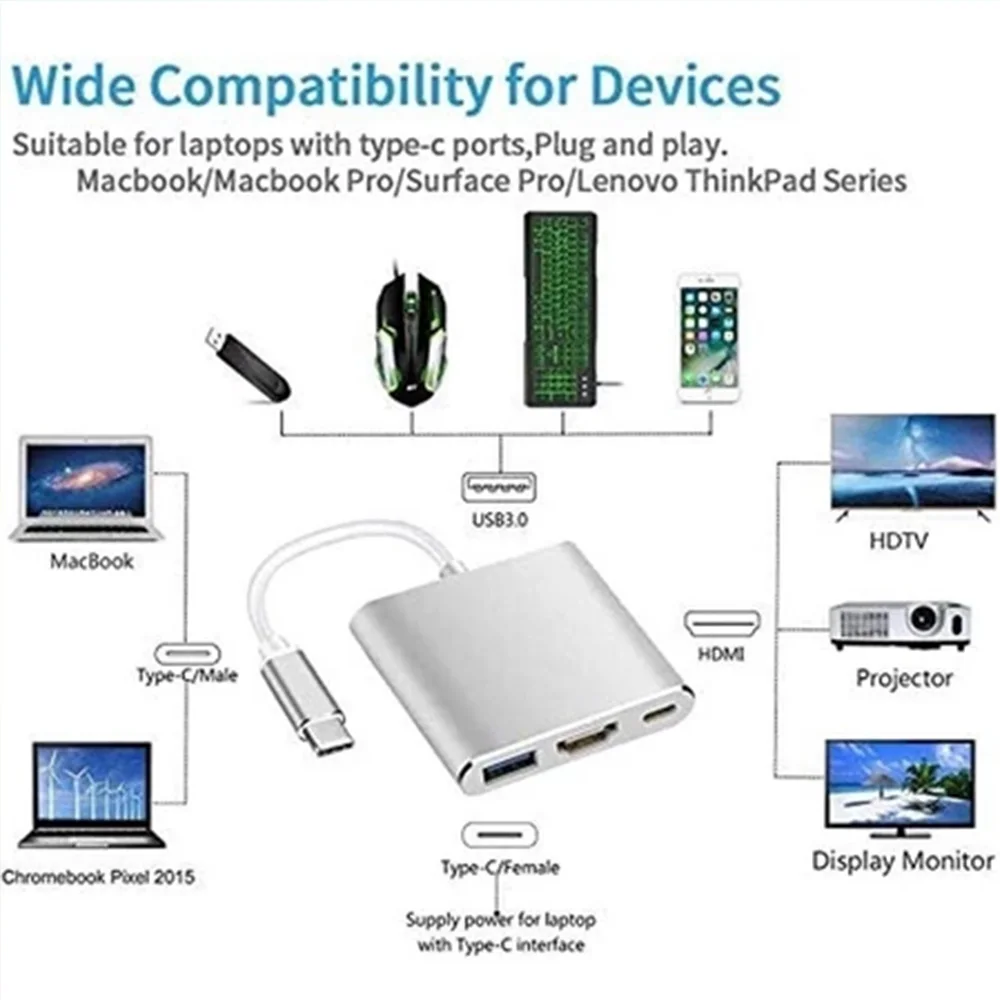
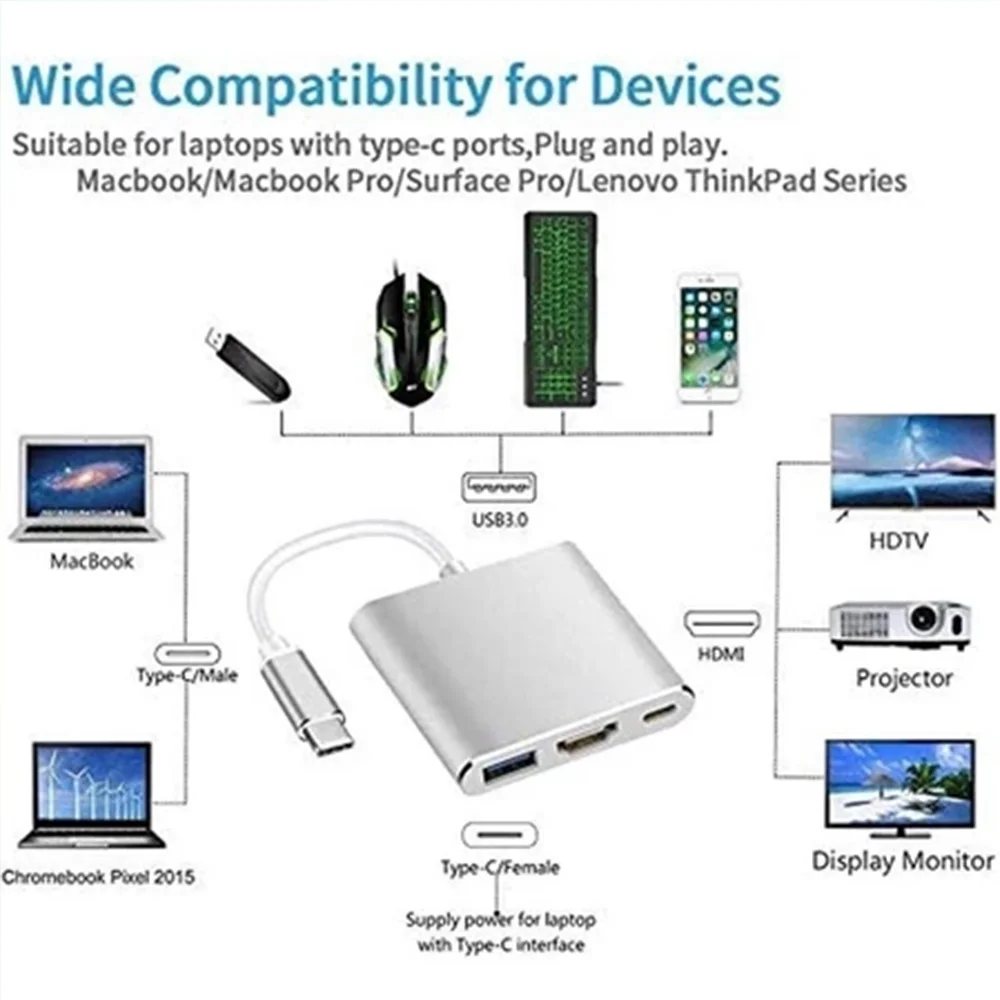
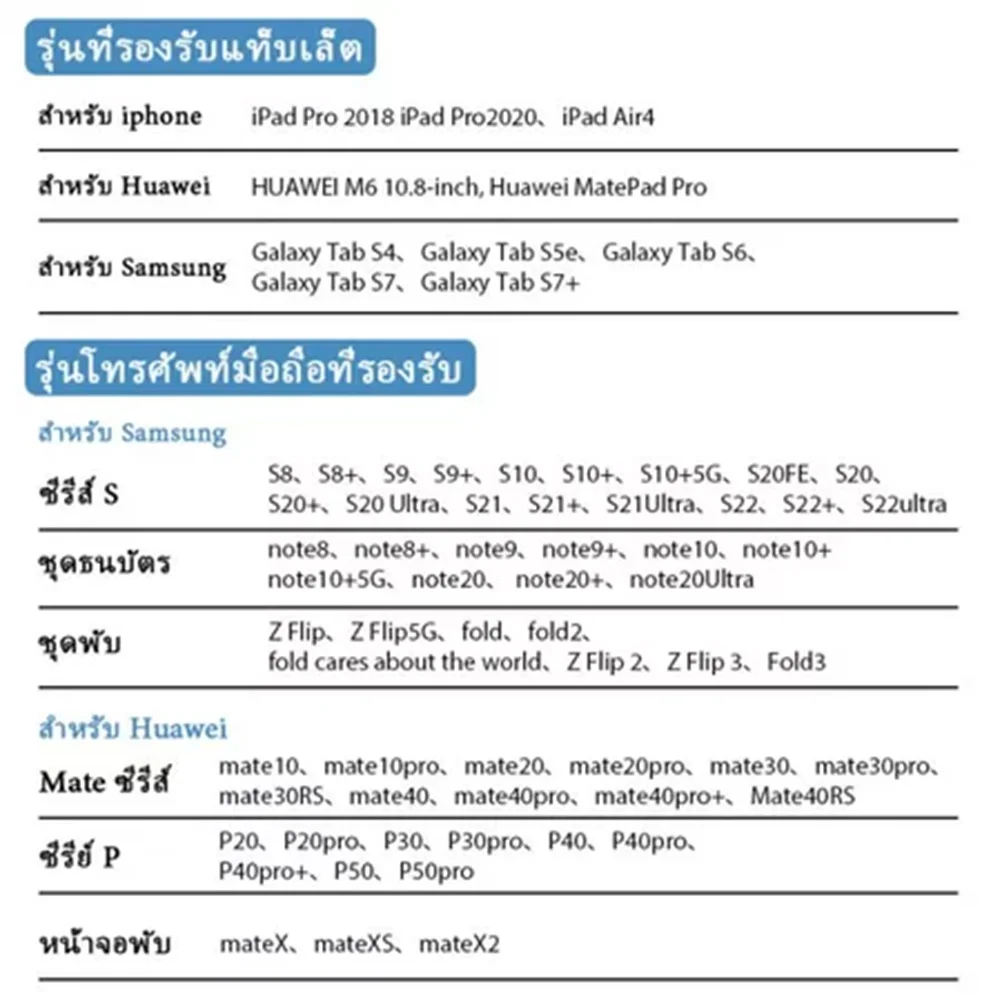
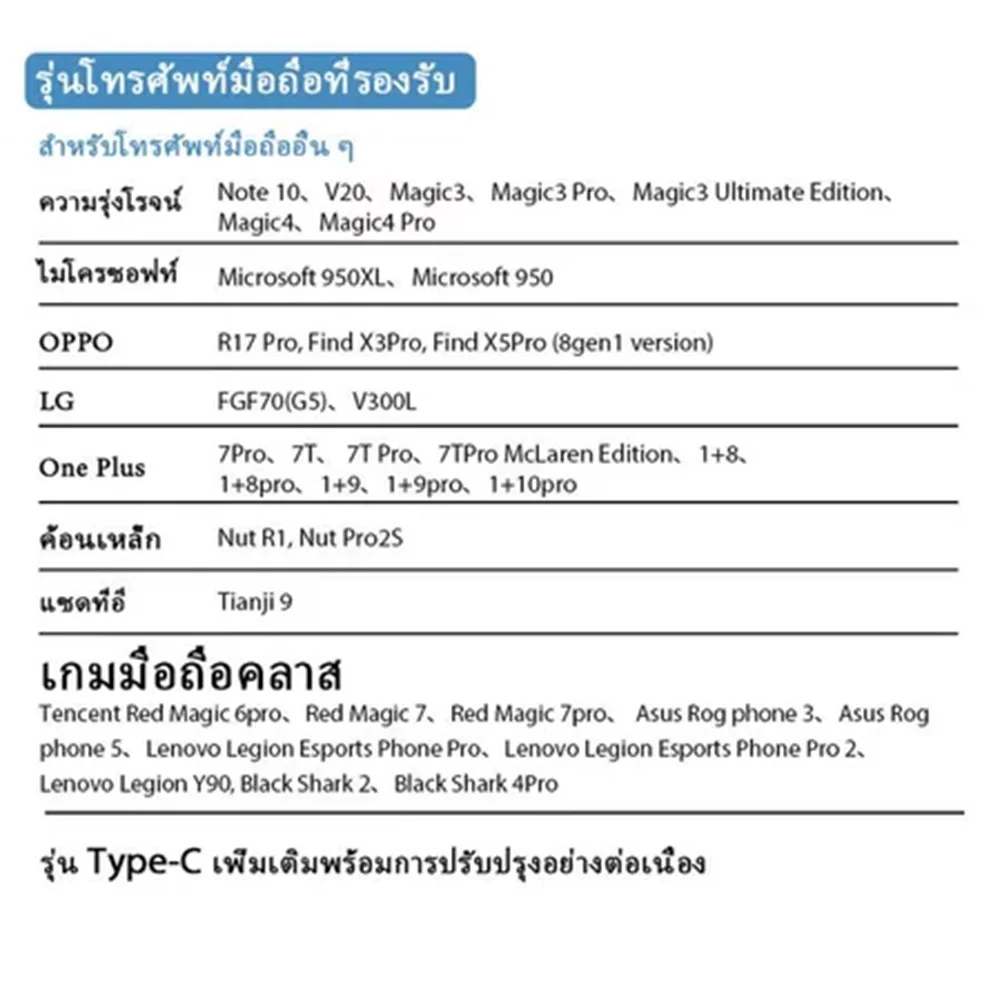
● USB digital AV hub converter – C Digital – compatible. Compared to Apple's 2016 (2015) new MacBook 12 inch, Hp Pavilion x2, DELL Venue Pro, Lenovo Yoga 900S, Chromebook Pixel, Lumia 950XL, LG G5, PS4, Lenovo Yoga 900-131SK and other Type C devices
explain:
● Input: USB 3.1 type C
● Output terminals: USB 3.0+HDMI+Type C/F Input terminals: USB 3.0+HDMI+Type C/F ● Machine HDMI resolution: 3840X2160P (4K * 2K)
● USB Multi Port Adapter 3.1 Type-C to HDMI/USB 3.0/USB-C
● Charging laptops/phones ● Sharing movies on larger TVs/monitors/projectors ● Suitable for laptops/phones/tablets with USB-C ports ● Suitable for MacBook Air 2018 and later models for MacBook Pro 2016 and higher HDMI ports: Output
Supports video resolutions up to 4K UHD. (3840×2160) 30Hz, compatible with 1080P 60Hz, 720P ● USB 3.0 port:
● With a transfer speed of up to 5Gbps, it can be used in conjunction with keyboards, mice, flash drives, or USB cables to synchronize and charge smartphones or other devices.
USB-C port
● Type-C female laptop charging, 5W-60W automatic adjustment connection method: steps. 1: Connect the USB Type-C connector of the adapter to a device that supports USB Type-C HDMI mode. Step 2: Connect the HDMI output of the cable to an HDTV or HDMI enabled display. Warm reminder: 1. This converter allows you to charge the device when using the HDMI port or USB 3.0 port. Provide power to the main Type-C output devices. The adapter cannot be used as an output.